Development projects & Customer Portal 2.0: market units digitally and faster
Handle property development projects even more efficiently as an agent.
Handle property development projects even more efficiently as an agent.
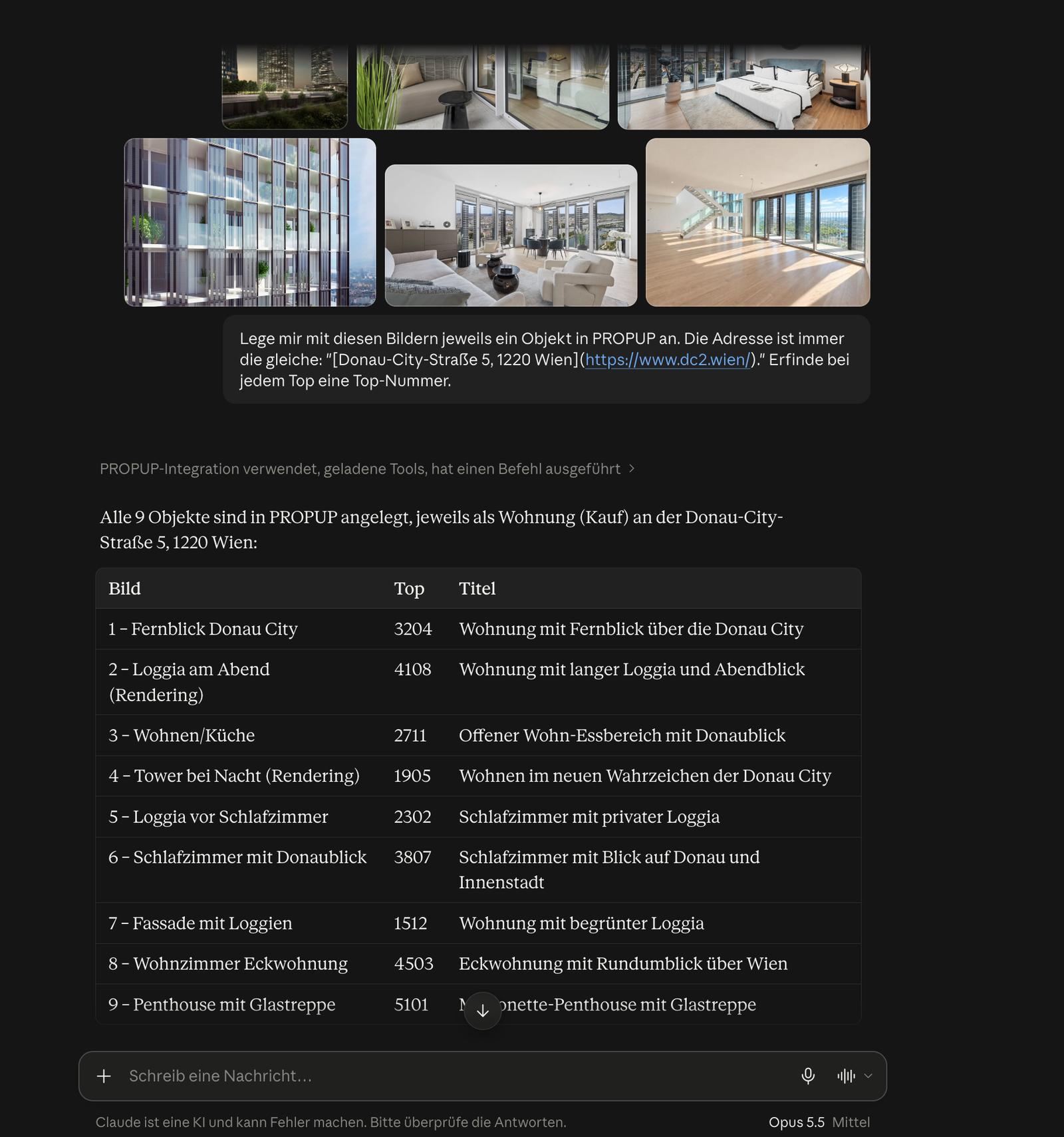
1) Properties are loaded into PROPUP automatically through the connection to onOffice or Justimmo. In our example, I had the AI create the properties in PROPUP using the AI tool “Claude”.
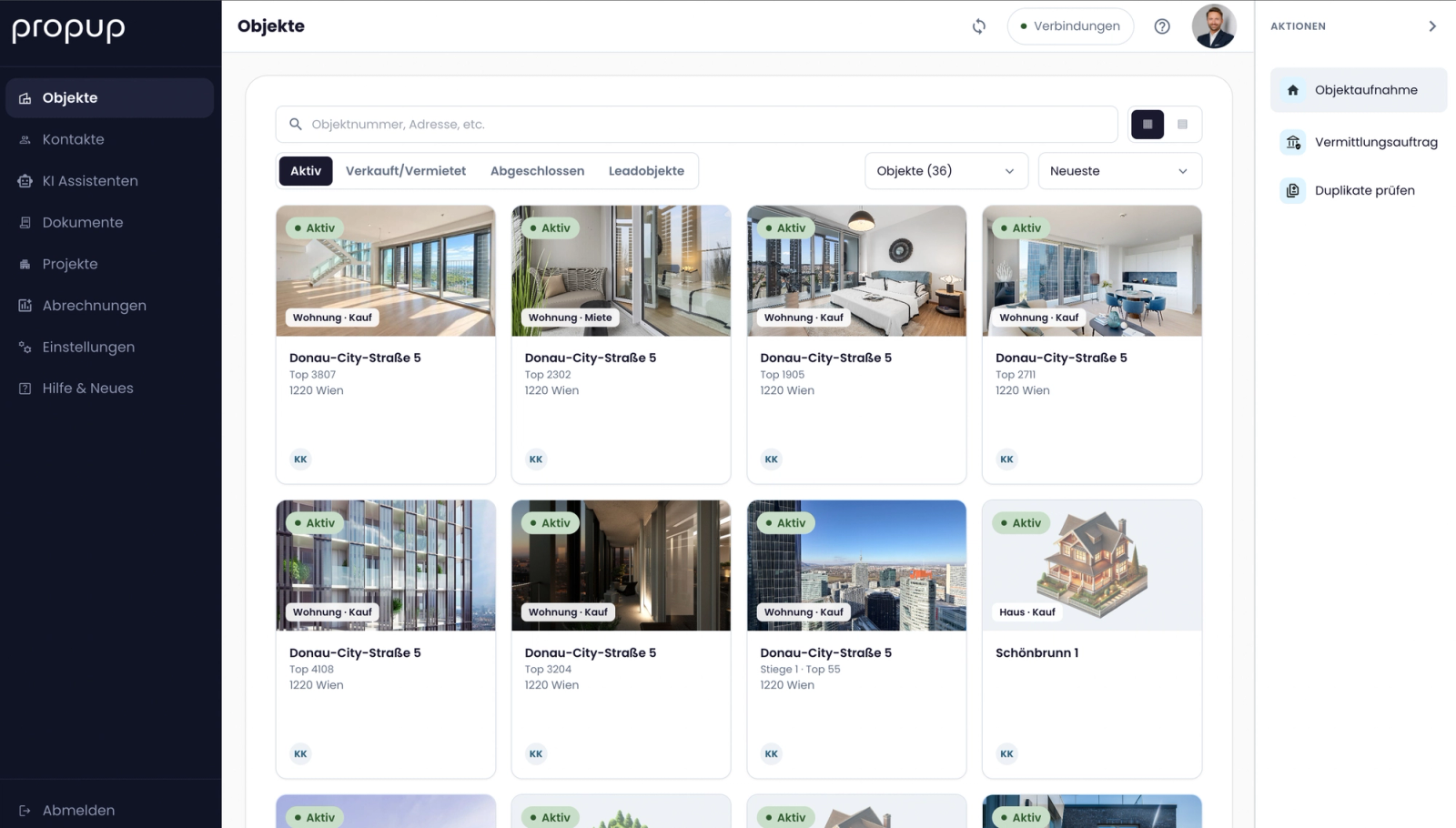
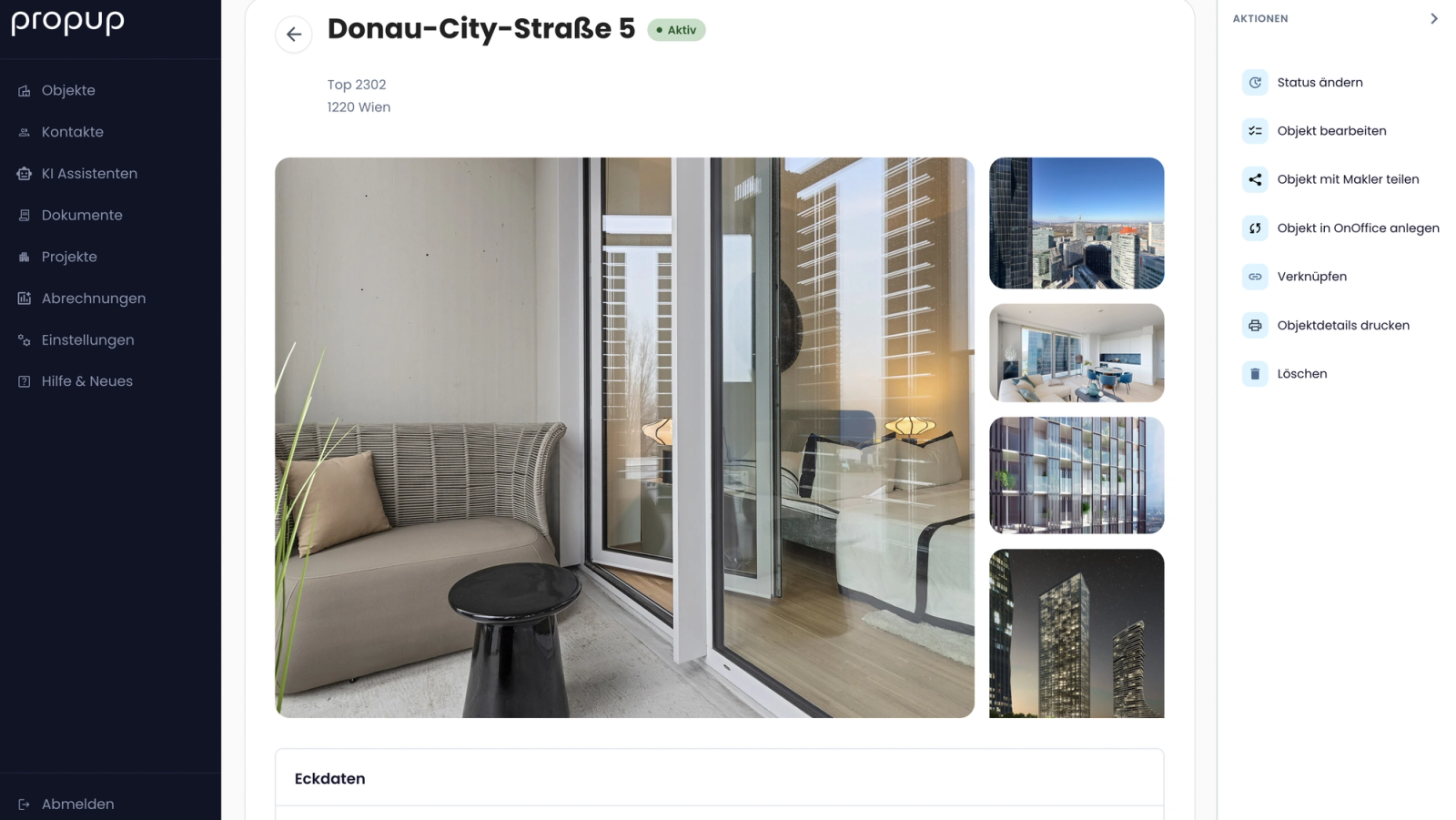
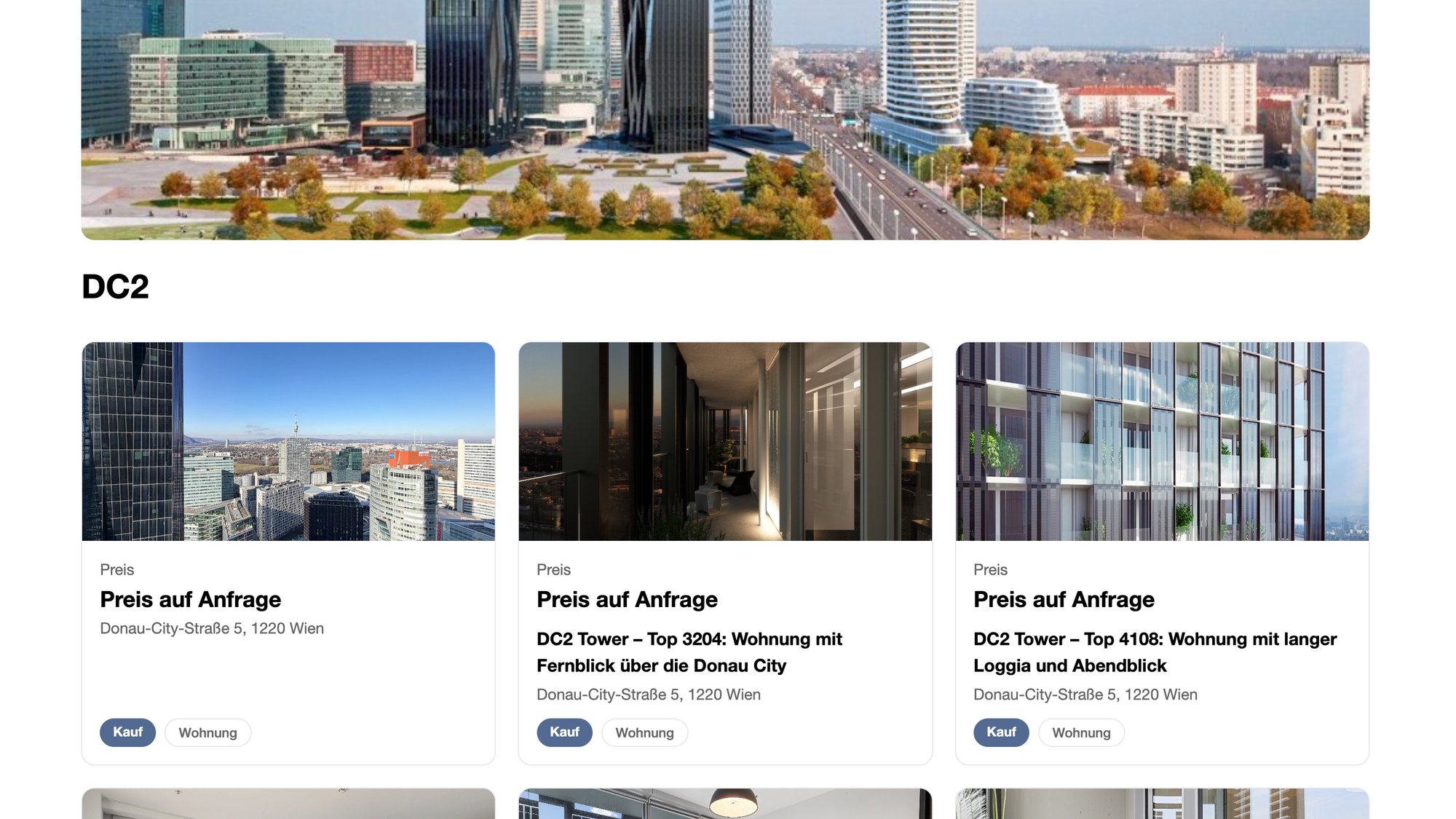
2) The properties appear on the PROPUP dashboard. In the “Projects” menu, I create a new development project in just a few clicks by entering a name, adding a cover image and linking the units via the address or property number search.
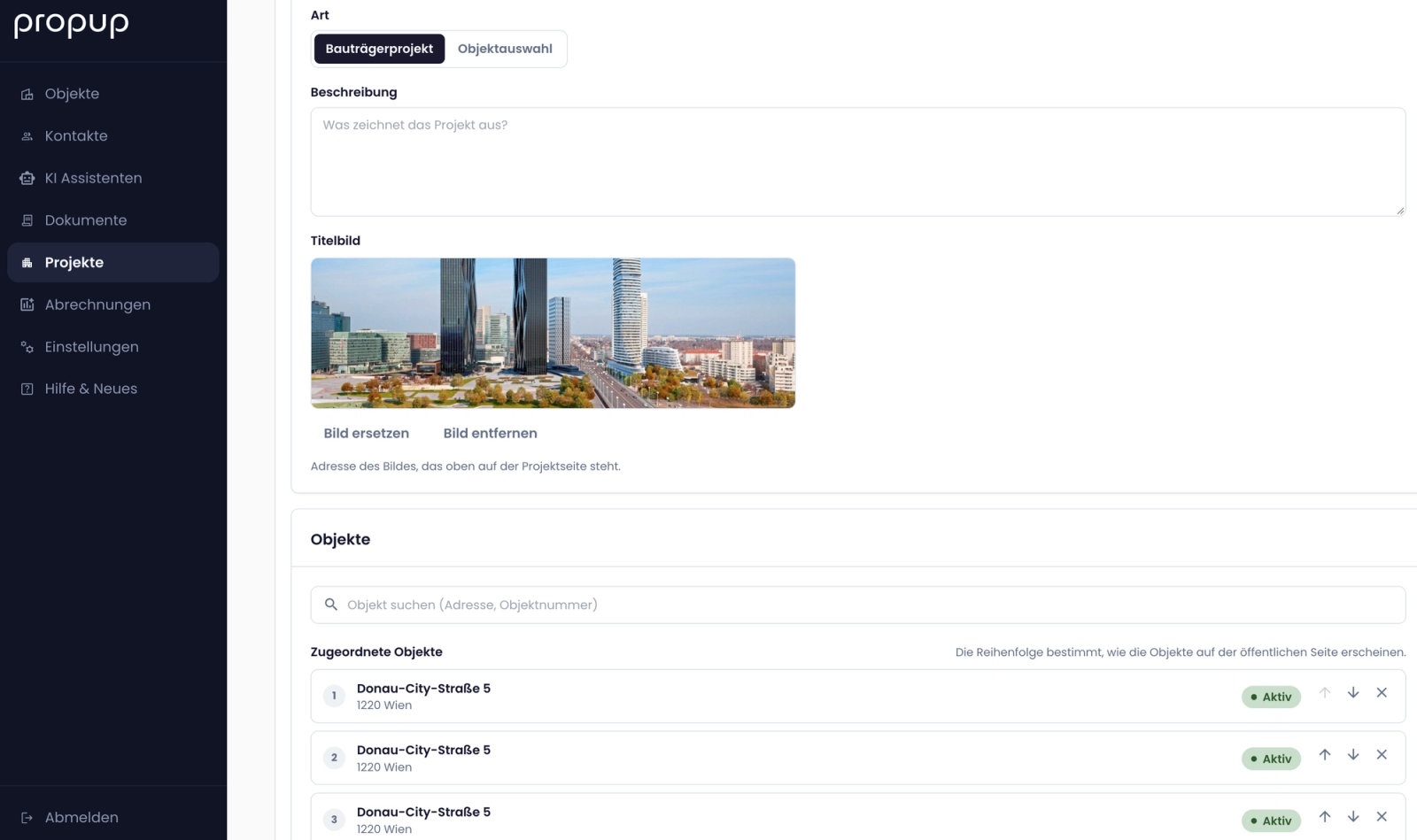
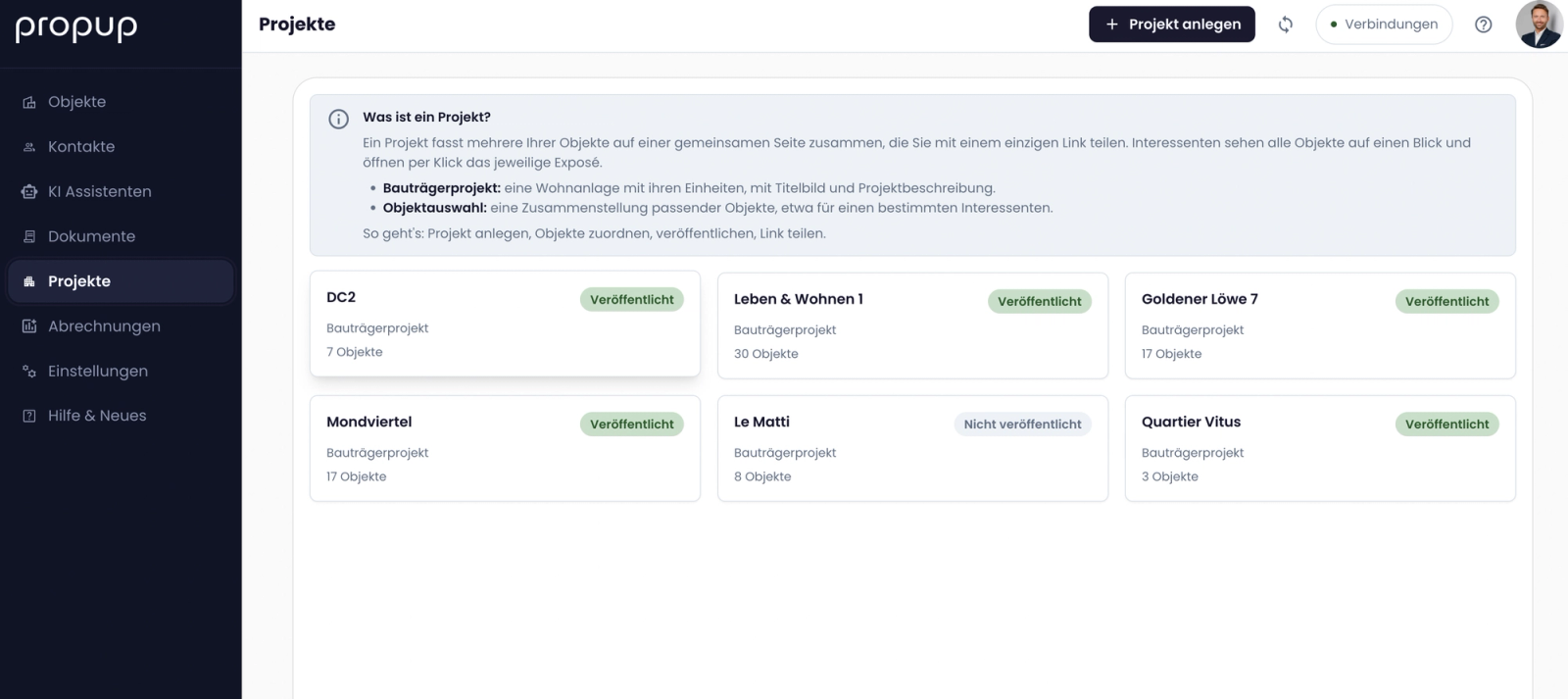
3) In the background, a simple, clear project website (customer portal) is created, accessible to all prospects via a link. This link can be embedded anywhere. The customer portal can also be integrated into your own website.
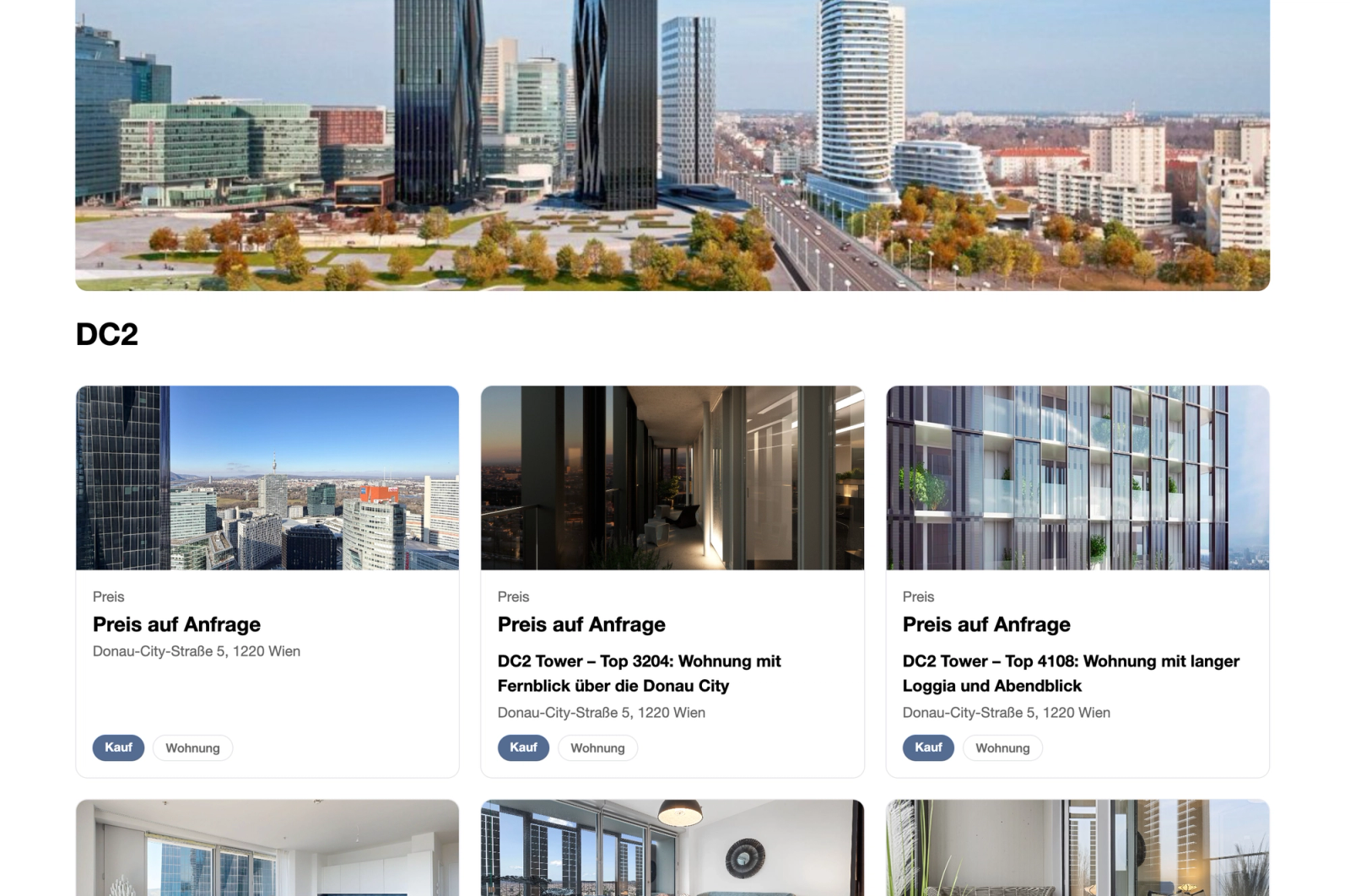
4) Prospects can now view and click on all units. To receive more information, they first need to leave their contact details.
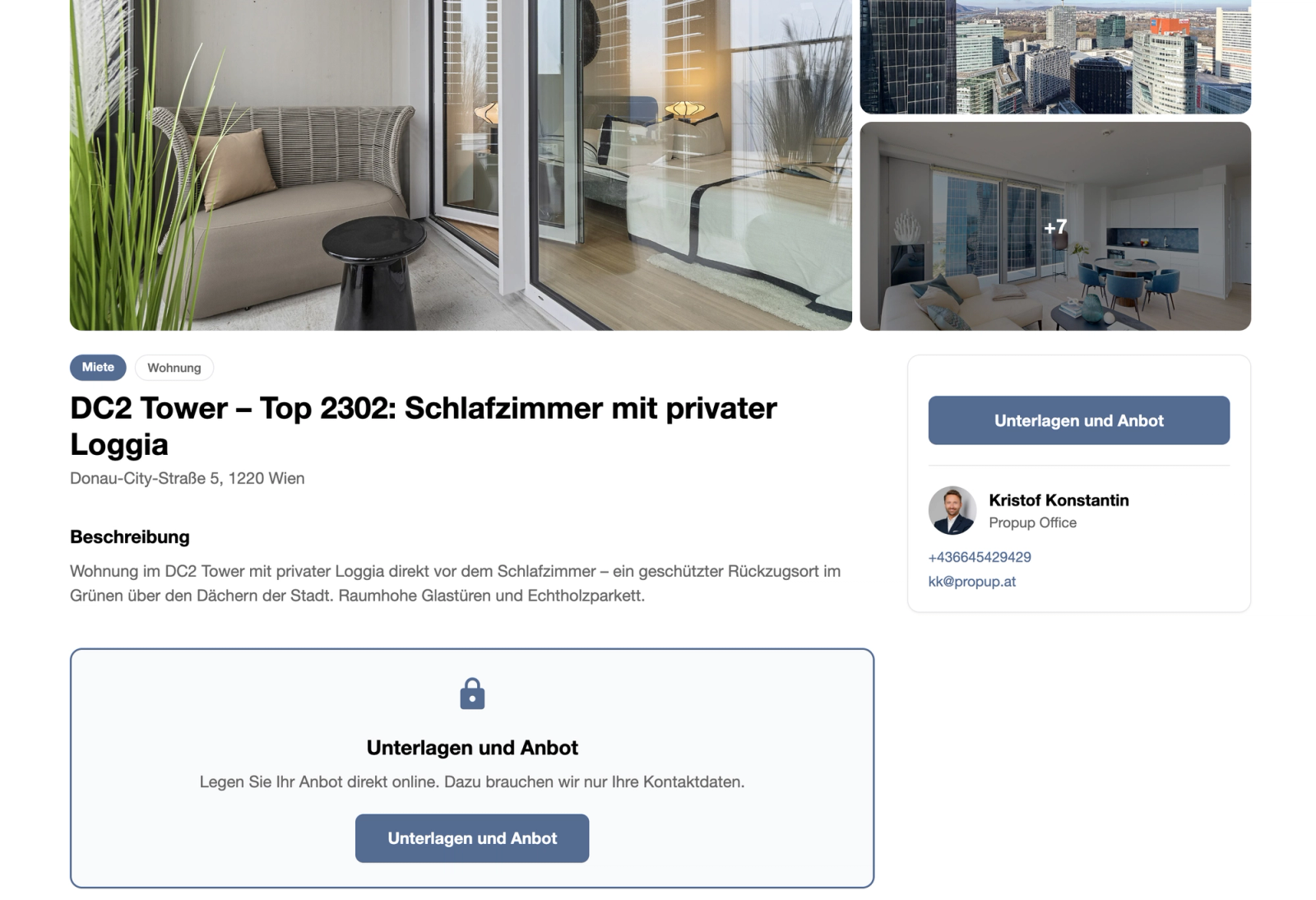
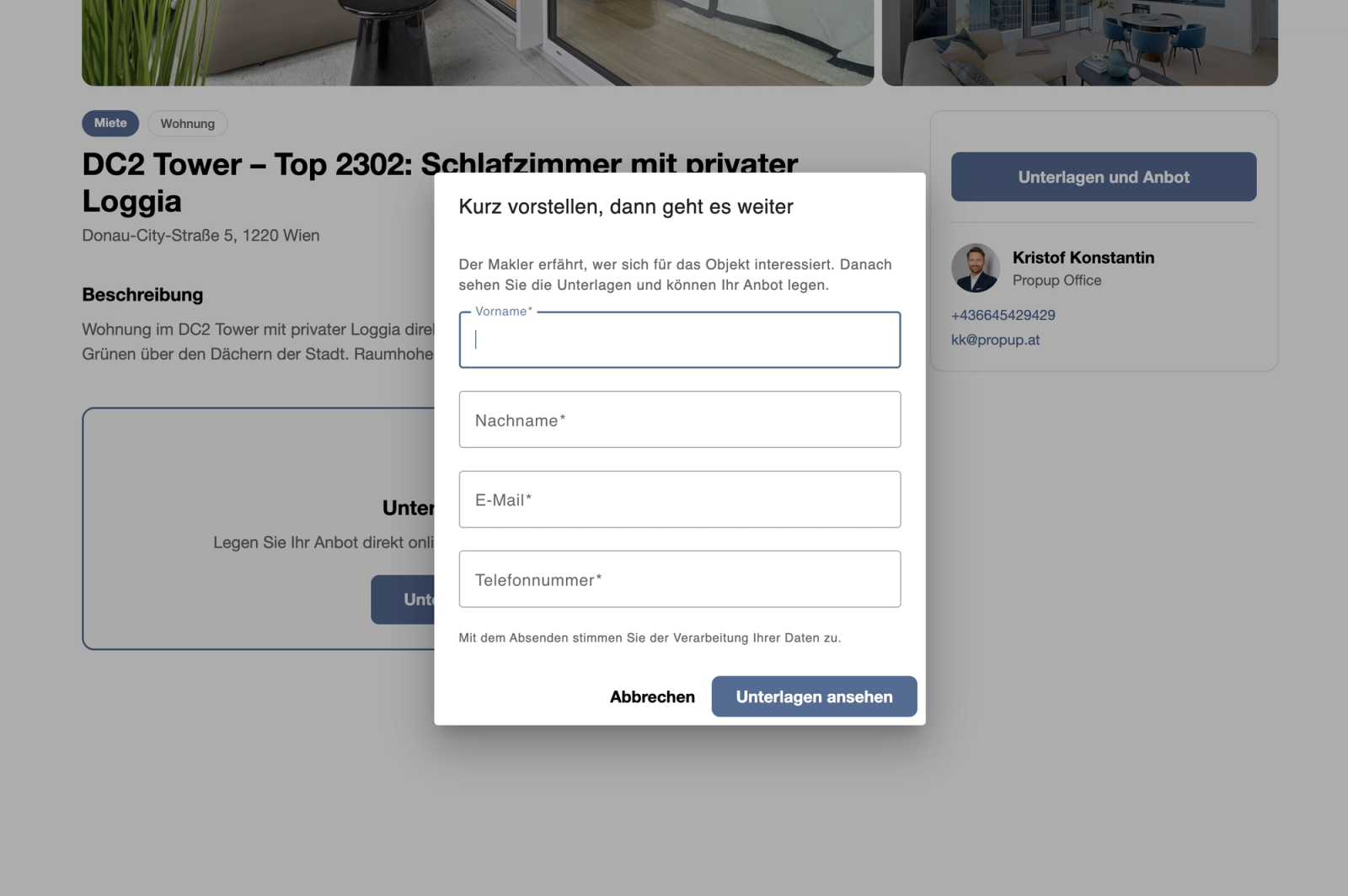
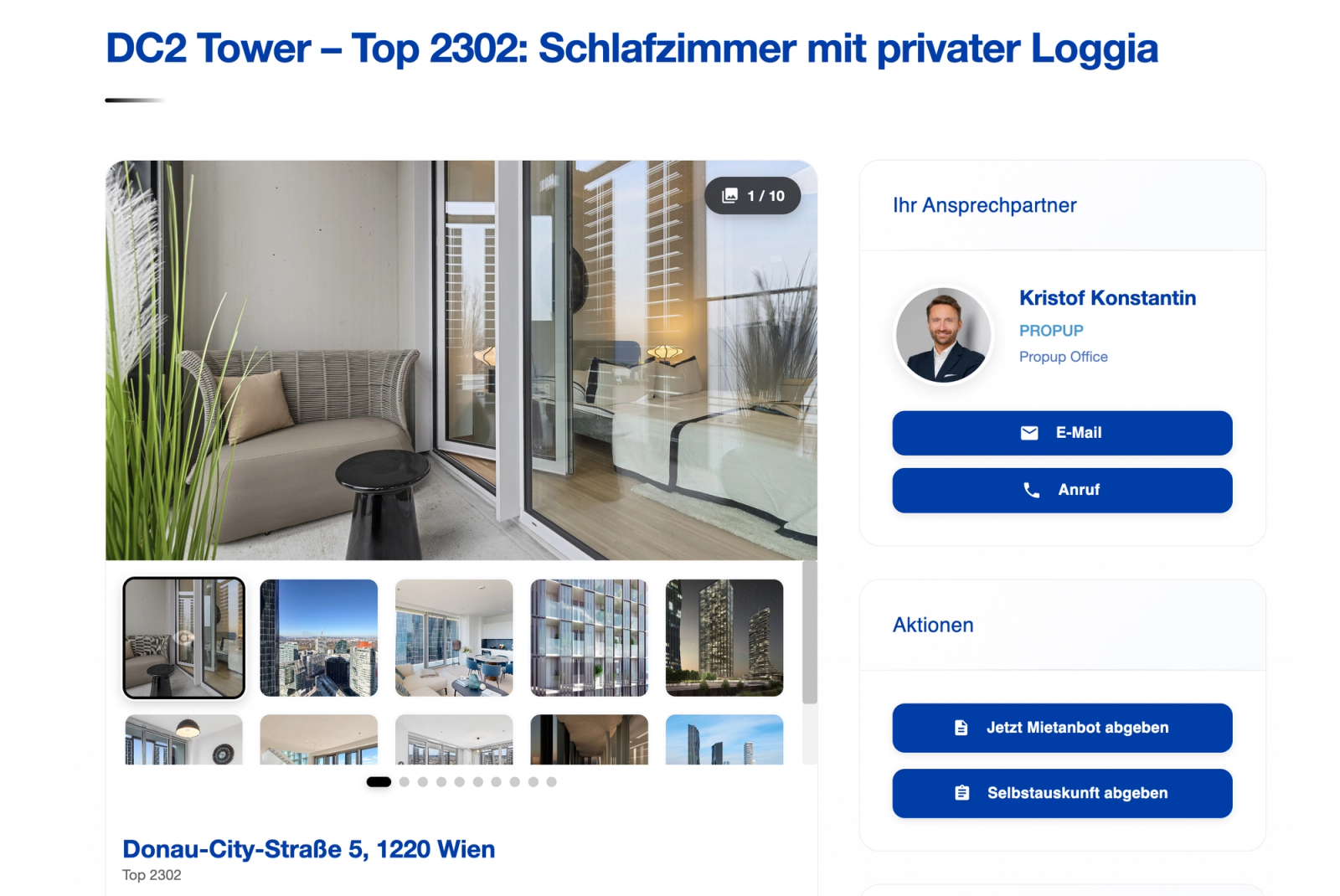
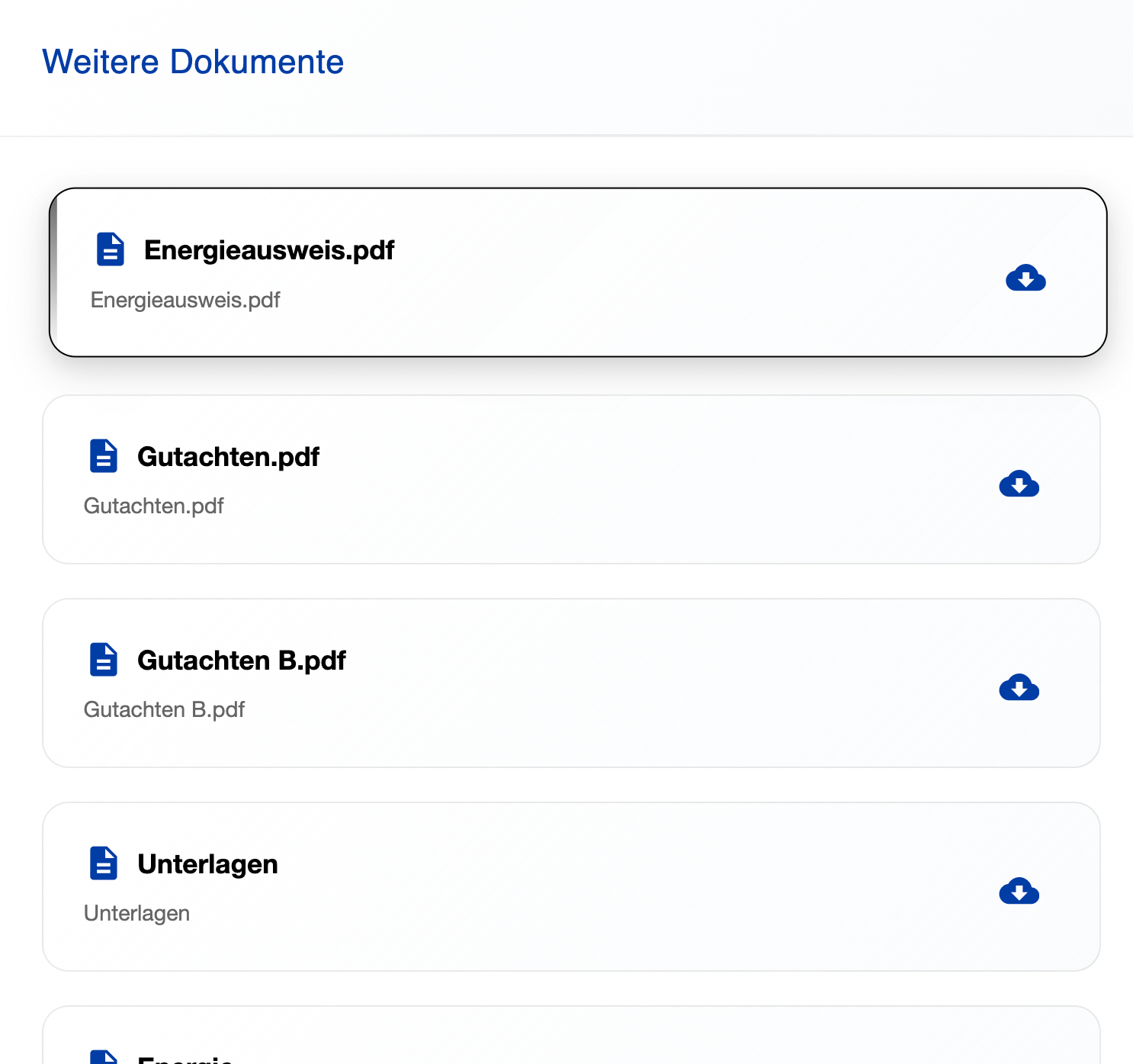
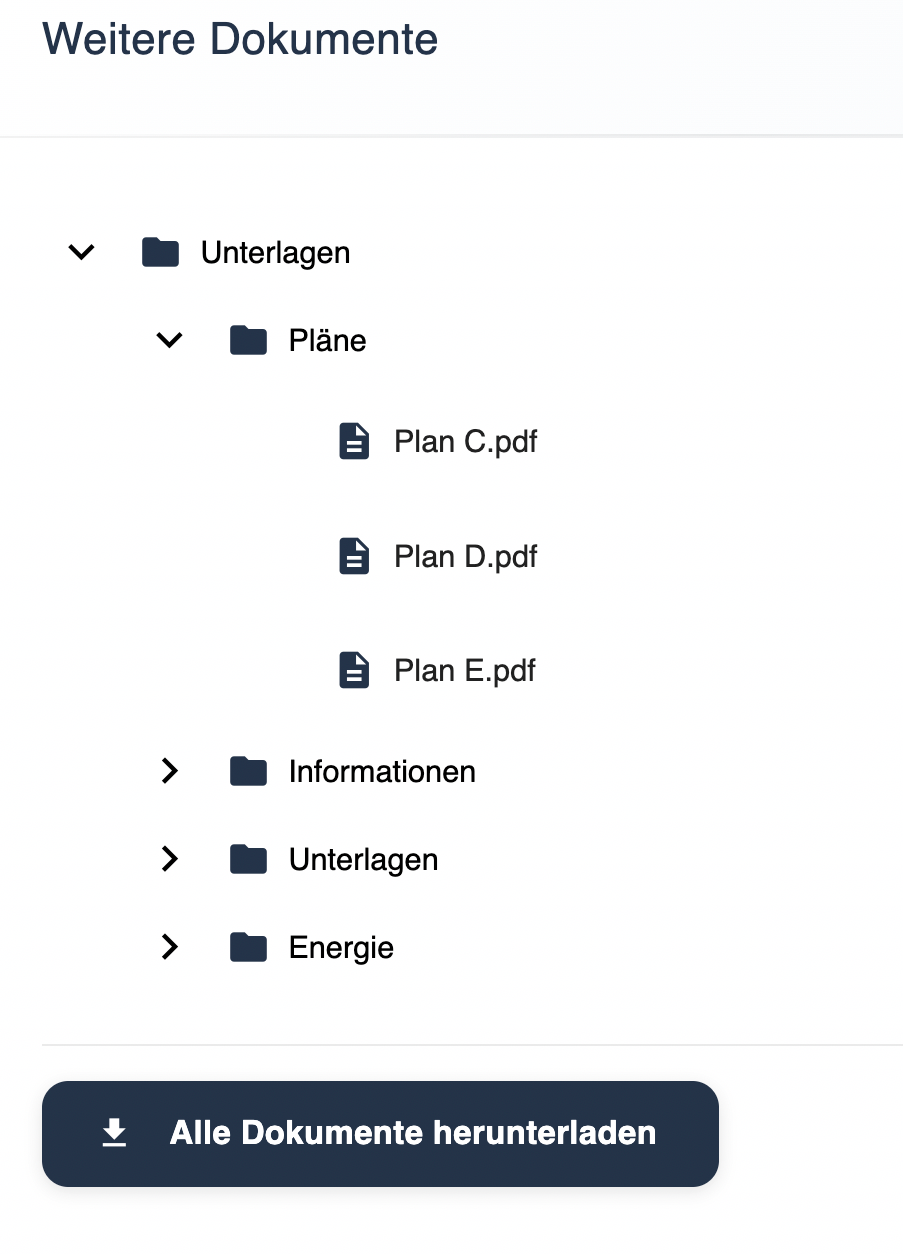
5) Prospects now have further access: they can download the documents provided, fill in a tenant self-disclosure form, change the language, contact the property expert and connected partners (for example financing providers for properties for sale) and even submit a digital rental offer.
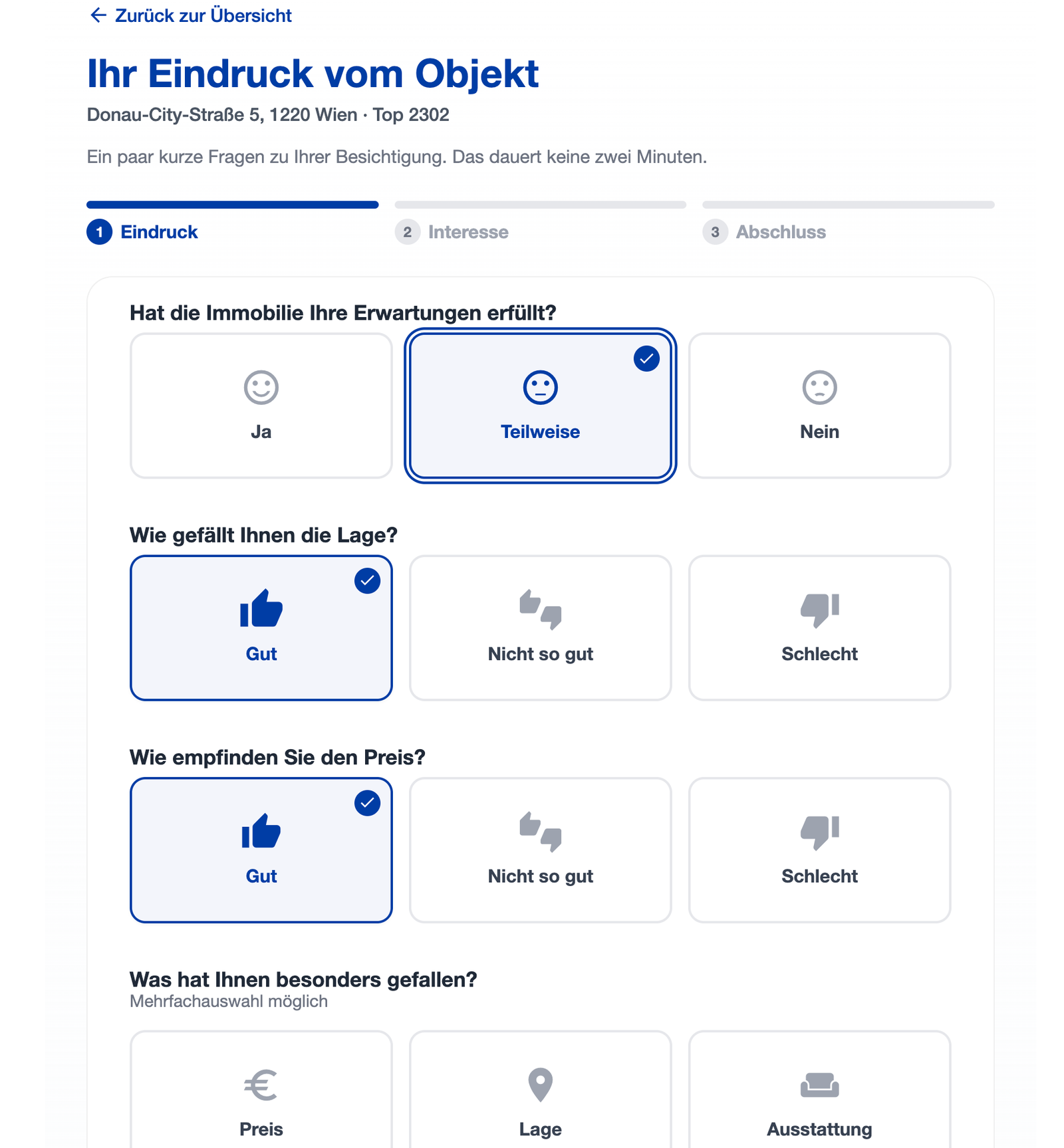
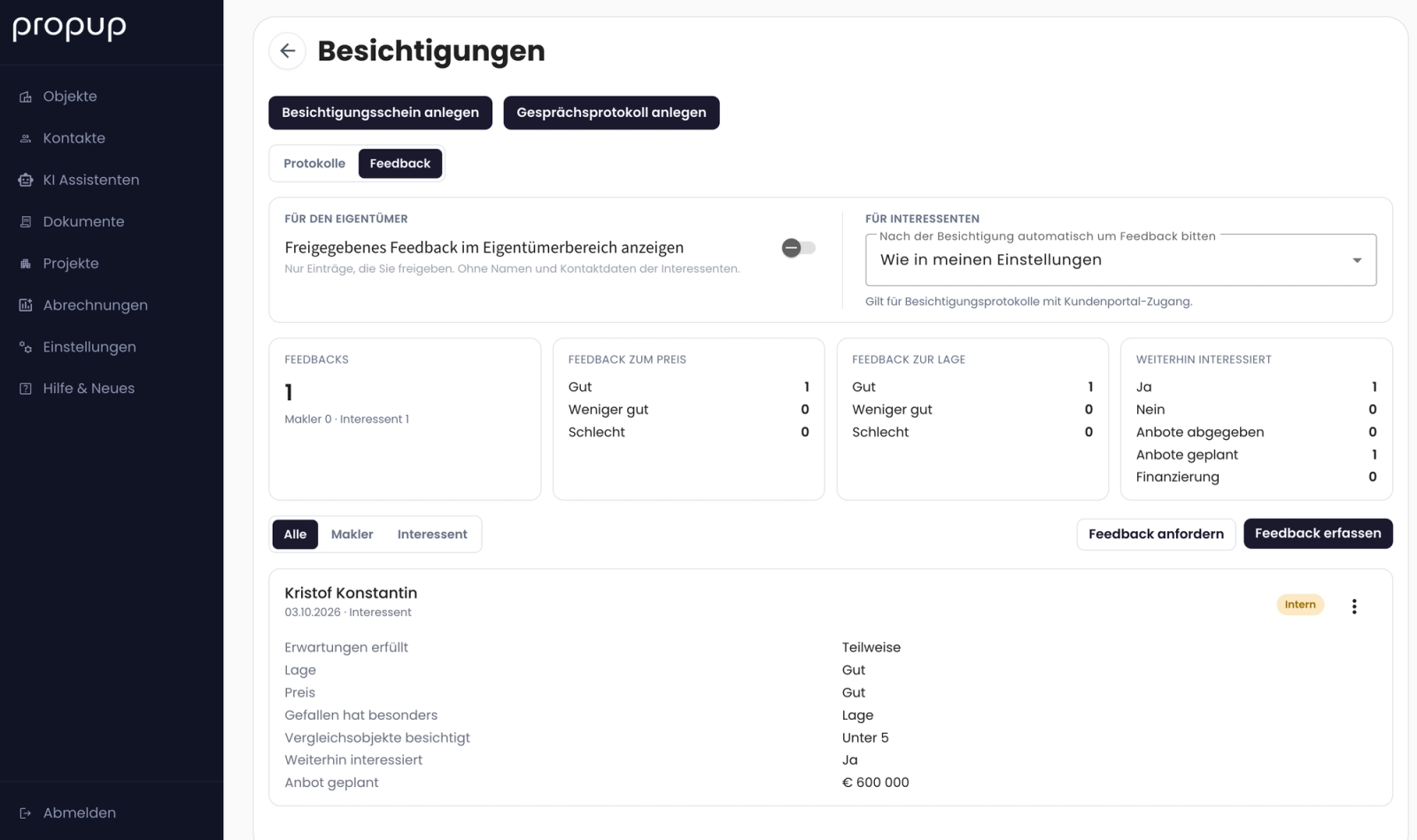
6) Also new in the customer portal is the “Give feedback” function. It allows prospects to complete a feedback questionnaire about the property. This feedback, along with the digitally signed forms, appears directly in PROPUP. Agents are automatically notified by email when new information comes in.
Book a demo now: https://calendar.app.google/vBRryz1Z14WeHSpf8